
1. Log in to your cPanel account.
2. In the Domains section, click on Domains.
3. In the List of Domains, locate the alias domain you want to remove and click Manage next to it. 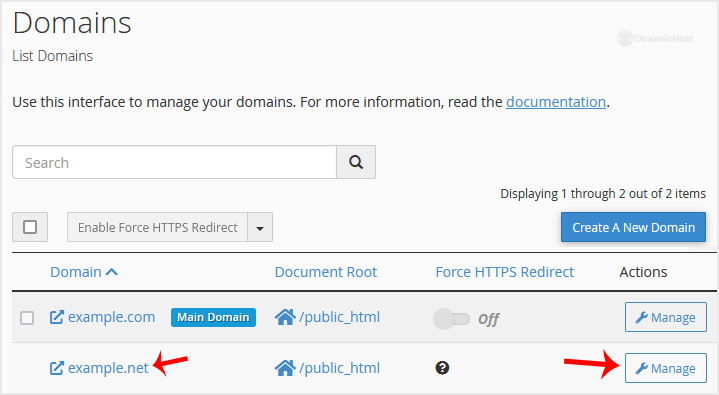
4. To remove the alias domain, click Remove Domain and confirm it.
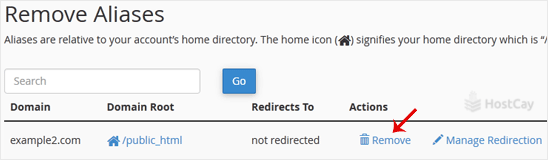
You should see a message that your parked/alias domain has been removed.